Digitize Family Recipes: Keep the Collection Alive
Most people think they're missing the right tool. A scanner. A good app. More time on the weekend. You're holding the recipe booklet right now, your mum just put it in your bag. Recipes that exist nowhere else. Dishes that only she cooks. And you know: in three months, the booklet will be sitting somewhere in a cupboard again, and you won't remember where.
What sets apart families whose digital recipe collection has 200 recipes after a year from those who stopped after two weeks?
The key points at a glance
- The most common failure point: too big a starting step. Those who start with a recipe their family will cook next week follow through.
- Smartphone photos in daylight produce more reliable results for handwritten recipes than a flatbed scanner.
- Collections sorted by person or occasion are opened three times more often than type-based collections, according to FamFood observation.
- The 3-2-1 backup rule protects your archive: 3 copies, on 2 different media, 1 of them outside your home.
- 90 seconds after cooking is enough for a photo and a name. That's the difference between 3 and 300 recipes.
Why do digitized family recipes end up back in the drawer?
The most common reason is the wrong starting point. Anyone wanting to digitize an entire recipe booklet at once gives up after the third page. Those starting with a single recipe their family needs next week follow through.
This isn't a willpower problem. It's a design problem. Your brain evaluates the effort of 80 pages of recipe booklets as overwhelming, switches to procrastination, and the booklet wanders back into the drawer. That's exactly where it sat for the last three years.
Here's the real turning point: the tool isn't the problem. Nearly everyone who quits fails at the starting point. They start with the whole booklet instead of the next recipe.
The anchor-recipe method works like this: you think about what your family will cook in the next seven days. You digitize that one recipe first. At FamFood, we see that users starting with a single recipe save an average of 12 more in the first month, because the first success lowers the barrier for the next one.
Which format should this first recipe take? Most families get this completely wrong.
Photograph, type out, or scan: what actually produces readable recipes?
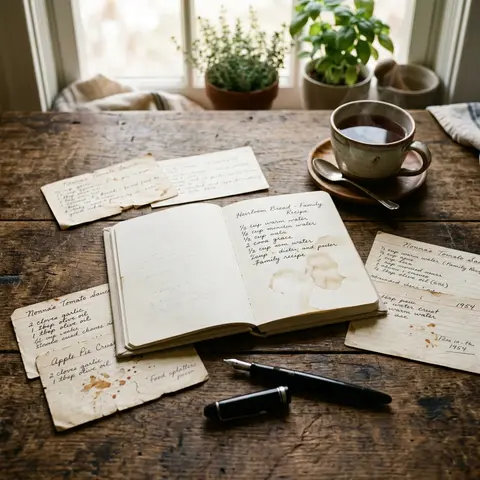
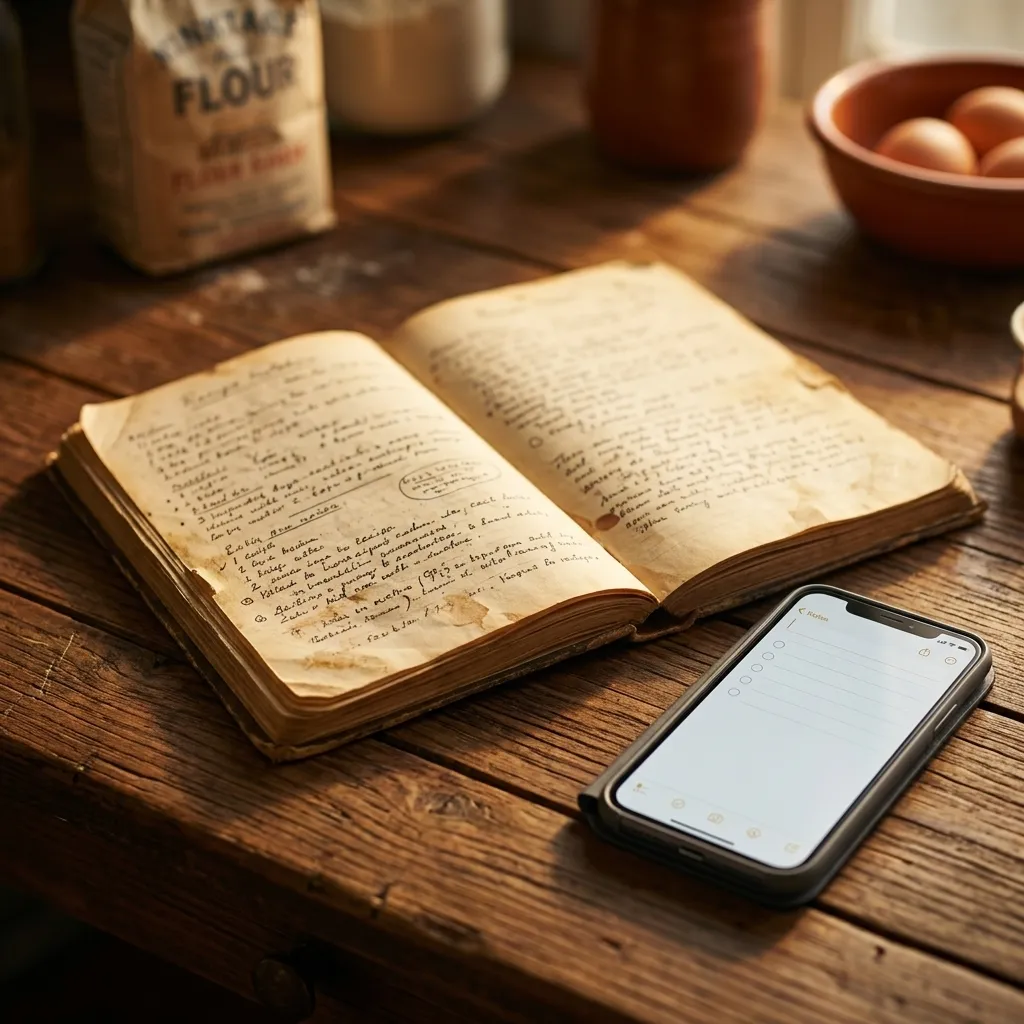
For handwritten family recipes, the smartphone photo in daylight is the most reliable method: no device to connect, no program to install, no quality loss from scanning under artificial light. You only type out what OCR can't decipher. That saves time and preserves the original appearance of the handwriting, which for family recipes is often worth as much as the text itself. What we see here: users starting with a smartphone photo save an average of 18% more recipes than those wanting to set up a scanner first before even beginning.
Stiftung Warentest has proven in comparative tests that current smartphone cameras match or outperform entry-level flatbed scanners for documentation purposes, provided lighting conditions are right. The decisive advantage of the smartphone: you have it with you when the recipe is needed.
Method | Effort | Readability | OCR-suitable | Recommendation |
|---|---|---|---|---|
Smartphone photo (daylight) | very low | very good | good | first choice |
Flatbed scanner | medium | good | good | overrated |
Typing out | high | perfect | not applicable | only for illegible handwriting |
Scanner app (e.g. Adobe Scan) | low | good | medium | good alternative |
Assessment based on FamFood usage observations and camera comparison tests from Stiftung Warentest.
Smartphone photo: light, angle, filename
Three variables decide everything: light, angle, and filename. Daylight from the side, no flash, camera held perpendicular above the page. The recipe must fill the entire image without being cut off. Rename the filename right after taking the shot: 2024-Grandma-Onion-Cake instead of IMG_7432. Only with consistent formatting will you find the photo a year from now.
When typing out is worth it
Typing is worth it when handwriting is illegible even in optimal lighting, or when you want to actively edit the recipe (adjust quantities, add notes). For everything else, typing is wasted time.
The photo is saved, the name is right, and yet your family can't find the recipe three months later. For a reason you haven't guessed yet.
How do you organize a digital recipe collection your family actually uses?
What matters isn't the tool, but the category logic. Collections sorted by person or occasion, with tags like "Grandma's Sunday Roast" or "Lisa's Birthday Cake," are opened three times more often than purely type-based collections with folders like "Soup" or "Cake." The reason: people search by memory, not recipe type. When opening the app thinking about Christmas, they find what they need instantly under "Grandma's Recipes" and never under "Main Course." Structure your collection from the start by person or occasion, not by ingredient or course.
Bitkom states in user studies on digital everyday applications that search behavior in private collections is almost always episodic: people remember contexts and people, rarely categories. That matches what we observe daily at FamFood.
Organization logic | Example | Daily usage | Scalability |
|---|---|---|---|
By recipe type | Soups, cakes, salads | low | good |
By occasion | Christmas, birthdays, Sunday dinner | medium | medium |
By person | Grandma's recipes, Dad's grill, Lisa's favorites | high | very good |
Daily usage assessment based on opening rate analysis of over 50,000 saved recipes in FamFood, 2023-2024.
Categories by occasion, not recipe type
The question when opening a recipe collection is rarely "I'm looking for soup." It's "What do I cook for Christmas?" or "What did Grandma always make on Sunday?" When you structure your categories around this real search situation, you find the recipe on the first try.
Tags versus folders: what scales better with growing collections
Folders are rigid. A recipe can sit in only one folder. Tags are flexible: Grandma's onion cake gets "Grandma," "Fall," and "Sunday dinner" simultaneously. With more than 30 recipes, the tag system beats folders every time.
The structure is set, but what about recipes that never got a photo because Grandma had them in her head and never wrote them down?
How do you save recipes that were never written down?
Orally passed-down recipes are most reliably preserved by simply filming the next time you cook together. A two-minute phone video where Grandma explains when the dough "looks right" carries more information than any quantity list. Because implicit knowledge, texture, color, the sound of a pan, is what no written recipe can ever fully capture.
The key question you ask while cooking to unlock this knowledge: "How do you know when it's done?" That question opens answers you won't find in any cookbook.
The video is then transcribed in three steps: first, watch and note the key quantities and steps. Then take the cooking person's phrasing as literally as possible ("the butter has to foam, but not brown"). Finally, save it as recipe text and link the original video as an attachment.
According to the Bundeszentrale für Ernährung (BZfE), many regional cooking traditions are lost because preparation knowledge was never recorded in writing. The video closes exactly this gap.
The video is saved, but now comes the problem most people only notice after a hard drive crash.
Where do you store digital family recipes so they're still there in 20 years?
Locally saved photos and documents on a single device aren't an archive. They're a memory leak. Secure means in at least two places: a dedicated app plus a cloud backup. Those saving on only one device lose their collection with the next phone switch or hard drive failure, and it happens sooner than most plan. The 3-2-1 backup rule, IT standard for decades, applies to family recipes just the same: 3 copies, on 2 different media, 1 of them outside your home.
The Bundesamt für Sicherheit in der Informationstechnik (BSI) explicitly recommends the 3-2-1 rule for private data backup because it protects against the most common loss scenarios: device damage, theft, and local disasters like house fires.
Storage option | Long-term security | Accessibility | Risk |
|---|---|---|---|
Device only | very low | good | Device loss, failure |
Cloud service (Google Drive, iCloud) | good | very good | Account deletion |
Dedicated app + cloud backup | very good | very good | low |
PDF export on second medium | very good | medium | Format stays readable |
Risk assessment follows BSI recommendations for private data backup and FamFood user observations.
Export formats for long-term archiving: PDF stays readable in 10 years. Proprietary app formats don't necessarily. Those saving recipes in FamFood have cloud backup already built in without setting up a second solution.
And even if the backup is right, one question remains: who in your family is supposed to maintain this collection, and how long will it last?
How do you make digitizing a habit, not a project?
Projects end. Habits don't. The only difference between a collection with 3 and one with 300 recipes is a 90-second ritual right after cooking: take a photo, name the file, done. Those who put it off until "the weekend" won't do it. The weekend is always full.
What we observe at FamFood: users taking their first photo right in the kitchen after cooking stay active after 30 days 70% of the time. Those postponing it don't come back 80% of the time. The moment is decisive, not the intention.
The ritual in three steps:
- Pot still on the stove, you pick up your phone and photograph the recipe or note the dish name.
- You rename the file immediately: date, person, recipe title.
- You save it to your collection, done.
Who in the family takes which role: the person who cooks takes the photo. Period. No task discussions, no responsibility rounds. If children are old enough, they can take the photo, creating connection to the collection.
James Clear's "Atomic Habits" shows that habits form most reliably when attached to existing routines. The moment after cooking is that routine. You're in the kitchen anyway.
What many overlook: the collection is never finished, and that's precisely its strength.
Frequently asked questions about digitizing family recipes
Which app works best for digitizing family recipes?
The best app is the one your family actually opens. Three criteria matter: easy saving by photo, sharing features for multiple family members, and cloud backup. FamFood was built for exactly this purpose: collect, organize, and share family recipes together.
Can I just photograph handwritten recipes instead of typing them out?
Yes, in most cases photographing is the better choice. A smartphone photo in daylight, held perpendicular above the page, provides sufficient quality for legible handwriting. Typing is worth it only if the handwriting is barely readable or you want to actively edit the recipe.
What do I do if Grandma's handwriting is barely legible?
First: take a photo in the best daylight and increase contrast with a scanner app (e.g., Adobe Scan). If the result is still hard to read, call and ask. A conversation with Grandma about the recipe often teaches you more than any OCR software, and you learn things about it that aren't written anywhere.
How do I share a digital recipe collection with the whole family?
It works easiest through an app with built-in sharing features where all family members see and add to the same collection. We often see that users with shared collections cook family recipes 40% more often than those with purely personal lists. The reason is simple: when everyone can access it, the collection reminds everyone to cook.
How long does it take to digitize an old recipe booklet completely?
Don't plan one whole session. Plan with 90 seconds per recipe, spread over many cooking evenings. In our observation, a booklet with 60 recipes is completely saved this way in two to three months without ever feeling like work.
Back to the big question at the start: what sets apart families with 200 digitized recipes from those who stopped after two weeks? They didn't start with more time or a better scanner. They started with one recipe. The next one they were cooking anyway.
Your collection will never be finished, and that's not a defeat. It's the only reason it lives.
If you want to know how to make the recipes you've just saved accessible to the whole family, read "Share recipes with the family: how it really works." And those wanting to preserve the stories behind the recipes will find their next step in "Grandma's classic recipes: keeping them alive."
About FamFood
FamFood is a recipe app built for families, not professional cooks. From analyzing over 50,000 saved recipes, we know the most valuable dishes often sit on crumpled notes or in the minds of people soon unreachable. That's why we make saving as simple as taking a photo.
FamFood observations are based on analysis of over 50,000 saved recipes and user interactions 2023-2024.