Read & Digitize: Preserve Handwritten Recipes Without Errors
Most people think the same thing at this moment: The hardest part of digitizing old recipes is typing them out. Or is it?
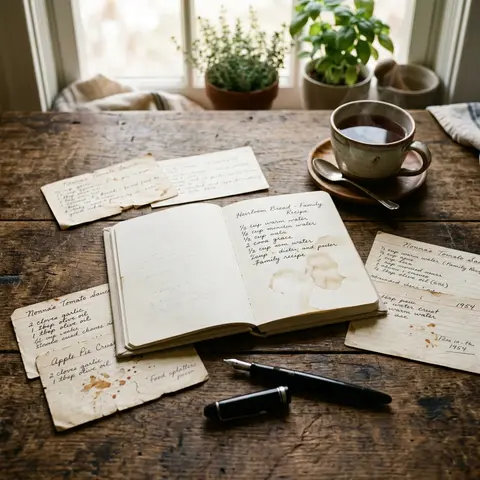
You're sitting at the kitchen table with Grandma's recipe notebook. A few pages are still readable. Others are barely legible. The only person who can still decipher the abbreviations is 81 years old. And might not remember anything next summer. If you skip the illegible parts now or transcribe them incorrectly, your family will cook from a recipe in twenty years that was never meant that way. Or they won't cook it at all.
How do you transfer a handwritten recipe so that it's still correct in twenty years, even the spots that are already barely readable today?
Key Takeaways
- The biggest obstacle when digitizing old recipes is reading, not typing. Faded ink, abbreviations, and implicit cooking knowledge cause most errors.
- OCR apps regularly fail on Kurrentschrift (old German script), dialect abbreviations, and ingredient lines without commas. Manual typing with immediate annotation is more reliable.
- Documenting gaps honestly ("probably 200 g") protects a recipe long-term better than an invented number.
- A digitized recipe stays alive only when it's cooked, commented on, and shared.
Why Are Handwritten Recipes So Hard to Read?
Faded ink, personal abbreviations, and missing quantities make many handwritten recipes almost illegible to outsiders, even if the handwriting itself is clear. The real obstacle when digitizing isn't typing, but deciphering. In a survey by the German Federal Ministry of Food and Agriculture (BMEL), over 60 percent of respondents said they pass on family recipes orally or in handwritten form, a format that assumes personal prior knowledge that outsiders simply don't have.
Here's an overview of the most common reading traps:
- "E." or "El." stands for tablespoon, but sometimes for eggs. Without context, both are possible.
- "1 cup" without a size specification. Grandma's coffee cup held 150 ml, a modern measuring cup holds 250 ml. With flour, that's a 40 percent difference.
- Old household measures: "1 pound" meant 400 g or 500 g depending on the region; "1 quart" of milk equals about a liter today.
- Ingredients without quantities, because the cook knew by sight and never wrote it down.
- Fading from light, moisture, or acidic paper: Newsprint paper from the 1960s loses up to 30 percent of its readability after twenty years (German Federal Archives, Paper Preservation Recommendations).
OCR apps (optical character recognition) are recommended in almost every how-to article. They work well with printed text and clear handwriting in Latin script. With Kurrentschrift, Sütterlin (an old German script), dialect abbreviations, and ingredient lines without commas, they fail regularly. What they deliver is worse than nothing: readable text that's wrong, disguised as a correct recipe.
And that's still the easy part, because some recipes have a second layer that no scanner in the world can detect.
What Knowledge Is Lost That No Photo Can Save?
A photo secures the handwriting, but not the knowledge behind it. Silent cooking knowledge—what "a handful" meant in Grandma's hands, which flour type was common in the village back then, how long "briefly sauté" really took—disappears with the person, not with the paper. Recipes carry implicit assumptions that were never written down because everyone of that era knew them.
Concrete examples from practice:
- "The cabbage from the market" means a specific white cabbage harvested in October, firmer and less watery than supermarket cabbage in February.
- "Briefly sauté" can mean two minutes or eight, depending on whether cooking was done over a wood fire or electric stove.
- Heat settings are almost never specified. A "hot oven" in the 1950s was often 200 to 220 degrees, but that was never written down.
In our observations at FamFood, we see a clear difference: recipes saved with embedded notes ("tried in 2024 with spelt flour, baking time 5 minutes shorter") get cooked significantly more often than recipes saved only as photos or plain text. The photo shows what it says. The note shows what it means.
So: How much can be rescued, and exactly how do you do it before the source is gone?
What's the Best Way to Digitize?
The most reliable approach: take a photo for backup first, then type with immediate annotation—not type everything first, then try to remember. Those who proceed step by step instead of digitizing all at once make significantly fewer transcription errors. It's not about carefulness, it's about decision architecture: if you flag unclear spots the moment you spot them, you don't have to remember them later.
Step 1: Original photo with neutral light. No flash, lay the notebook flat, as close to a window as possible. For curved pages: press the book gently flat, never crease.
Step 2: Type and simultaneously mark unclear spots as notes. Don't skip them. A simple "(unclear: maybe tablespoon?)" in the text is better than a silent decision.
Step 3: Test cook immediately. Cook the recipe yourself or have the next person who remembers the original cook it. Errors show up at the stove, not on screen.
Step 4: Use the comment field for context, origin, and variations. "Grandma always made this for Christmas, originally from Thuringia" isn't just a gap-filler, it's part of the recipe.
But even those who get every step right face a question that surprisingly many answer wrong.
Decode Abbreviations: A Mini-Reference for Household Measures
Abbreviation / Term | Meaning | Modern Equivalent |
|---|---|---|
El., E., EL | Tablespoon | 15 ml |
Tl., TL | Teaspoon | 5 ml |
1 cup (old) | Coffee cup | about 150 ml |
1 pound | Varies by region | 400–500 g |
1 quart | Old liquid measure | about 0.95 l |
1 handful | Subjective | about 30–50 g (dry) |
Msp. | Knife tip | about 0.5 g |
Pkg. | Packet (e.g., baking powder) | 1 packet = 15 g |
How to Use OCR Apps Effectively: When Yes, When No
Situation | OCR suitable? | Recommendation |
|---|---|---|
Clear handwriting, Latin script, legible | Yes | Use as draft, always check manually |
Faded ink, older paper | Conditionally | Increase contrast first (GIMP, Snapseed) |
Kurrentschrift or Sütterlin | No | Wikisource community or genealogy forum |
Dialect abbreviations ("Mst." for mustard) | No | Ask someone from the region |
Ingredient lines without commas or line breaks | No | Type manually, add structure yourself |
What's the Right Format for Digital Recipes?
PDF, Word document, photo album, recipe app—all four are used, but only one is reliably searchable, shareable, and editable after ten years: a structured recipe app with its own database format. PDFs and documents aren't cooked from. They're opened, glanced at briefly, and forgotten.
Format | Searchable | Shareable | Commentable | Long-Term Stable |
|---|---|---|---|---|
Conditionally (text PDF) | Yes | No (needs extra tool) | Good, but static | |
Word / text file | Yes | Yes | Yes | Depends on software |
Photo archive | No | Yes | No | Good, but unstructured |
Structured recipe app | Yes | Yes | Yes | Very good, cloud backup |
The underestimated criterion is searchability. Finding "all recipes with walnuts" in a folder full of PDFs takes minutes. In a structured app, it takes seconds. For 65-year-old family members without tech experience, it's also crucial that sharing works without email attachments: one link, one tap, done.
For data backup: cloud backup protects against device loss, local copy protects against server shutdown. Both together is the only reliable solution.
And then there's the question of what to do with recipes you can't decipher alone.
What Do You Do When You Can't Read the Recipe Alone?
When a recipe is too faded or the handwriting too idiosyncratic, someone from the same generation or region often helps—not as a last resort, but as a first step. Community is the best OCR for Kurrentschrift and dialect abbreviations. Those who struggle with an app for an hour first and then ask waste time and energy.
Concrete approaches:
- Kurrentschrift and Sütterlin: The volunteer community on Wikisource transcribes historical handwriting for free. Genealogy forums like Archion or the Association for Computer Genealogy forum also have active helpers.
- Ask family members while possible: Ask specific questions instead of "Do you remember?" Show the photo, show the line, ask: "What does this 'E.' mean here?" That works better than open-ended memory questions.
- Document gaps honestly: "Probably 200 g sugar" with a note about the uncertainty is better than an invented number without one. Guessing under pressure and not marking it is lying to the future.
- Send a photocopy to relatives: A simple WhatsApp round with the photo of the illegible spot surprisingly often brings answers that replace hours of independent research.
But what if all sources go silent and the recipe still shouldn't be lost?
How Do You Preserve Recipes That Are Only Half-Readable?
A half-readable recipe isn't a lost recipe. Professional image editing programs and contrast filters can make faded ink visible; in stubborn cases, UV photography helps. What's still missing afterward belongs honestly as a gap in the document, not as an invention.
Increase contrast with free tools:
- Open photo in GIMP (free, Windows/Mac/Linux).
- Convert image to grayscale: Image > Mode > Grayscale.
- Adjust curves: Colors > Curves, lift midtones, strengthen shadows.
- Sharpen: Filters > Enhance > Sharpen. Save result, never overwrite original.
Smartphone alternative: Snapseed (free) offers similar options under "Selective" and "Curves" without desktop software.
UV photography: With severely faded or bleached ink, UV light makes traces visible that are invisible to the eye. UV flashlights cost under 15 euros. Take the photo in a darkened room, then edit as above.
Clearly mark gaps: "(illegible)" or "(probably: 1 tsp salt)" in the text isn't weakness, it's precision. Anyone who presents a fragment recipe as complete steals the next generation's chance to ask again.
This gets you very far, but the last puzzle piece doesn't lie in technology.
How Does a Digitized Recipe Stay Alive Instead of Just Stored?
A digitized recipe stays alive when it's cooked, commented on, and shared, not when it sits in a folder. Recipes that are regularly opened and annotated stay present for the family. Recipes that are only backed up practically disappear anyway.
What this means in practice:
- Attach cooking notes directly to the recipe: "Tried in 2024 with spelt flour, baking time 5 minutes shorter" will be worth more in ten years than the original recipe alone.
- Share actively instead of archiving passively: Send the recipe for a birthday, at the next family meal, when someone asks what Grandma used to make. Only what circulates survives.
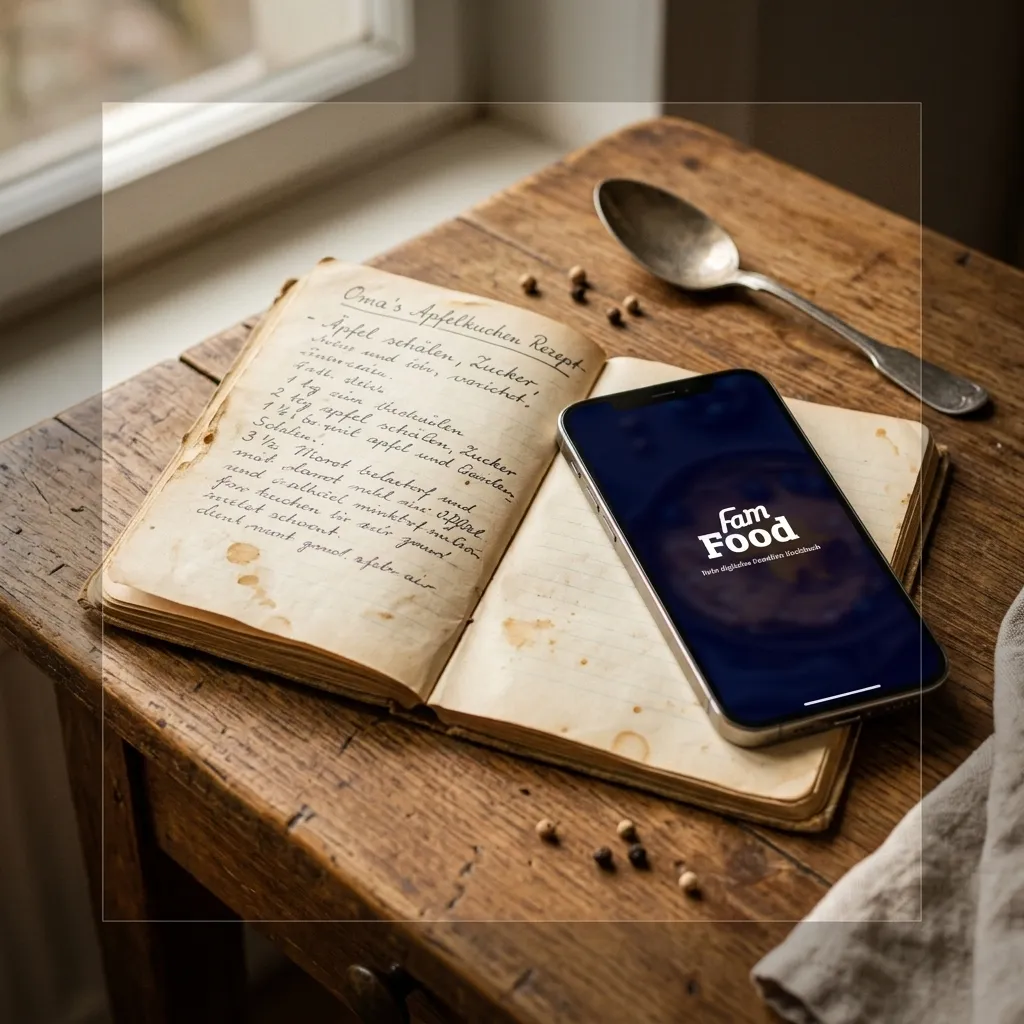
- With FamFood, you can save the photo, typed text, comments, and origin in one step and share directly with family, no email attachment, no technical barrier.
Learn more about systematically preserving old family recipes for the next generation in our guides on rescuing grandma's recipes and keeping classics alive in everyday cooking. And if you want to know how to truly keep classics alive in daily life, read our piece on bringing grandma's recipes into modern cooking.
What exactly gets stored and what really gets preserved only shows itself at the next cooking session.
Frequently Asked Questions
Which apps can automatically recognize and transcribe handwritten recipes?
Apps like Google Lens, Microsoft Lens, or Adobe Scan reliably recognize clear handwriting in Latin script. With faded ink, Kurrentschrift, or unusual abbreviations, all OCR solutions fail. The result sounds readable but is factually wrong. Manual typing with immediate annotation remains the more reliable method for old family recipes.
How do I digitize recipes in Kurrentschrift or Sütterlin?
Kurrentschrift and Sütterlin are practically unreadable for OCR apps. The best resource is the volunteer community on Wikisource, which transcribes historical handwriting for free. Alternatively, genealogy forums or local heritage societies can help. A high-resolution photo of the recipe is enough as a base. With a bit of patience, you can get a readable transcription for most pages.
How do I handle illegible or faded spots in old recipes?
First try contrast enhancement: GIMP or Snapseed can make faded ink significantly more visible. In stubborn cases, UV photography helps. What's still missing afterward belongs honestly in the document: "(illegible)" or "(probably 1 tsp)" with a note about the uncertainty. Better an honest gap than an invented number without marking.
What file format is best for long-term recipe storage?
A structured recipe app with cloud backup is superior long-term compared to PDF, Word documents, or photo albums. The decisive advantage: searchability, easy sharing without email attachments, and the ability to add comments anytime. PDFs are good as backup, but as the only format they're too static for a living recipe collection.
How many recipes should I digitize at once so I don't give up?
No more than three to five recipes per session. That sounds like too few, but it's realistic when you do every step right: photo, typing, annotation, test cook. Anyone who wants to type twenty recipes at once skips the annotation and creates errors later. Better five complete recipes with context than fifty bare texts without story.
About FamFood: We're a team of parents, cooks, and tech enthusiasts who want to rescue family recipes from being forgotten. What we see every day: most recipes don't vanish by fire or water, but by an illegible line nobody questions anymore. We want to change that, one recipe at a time.