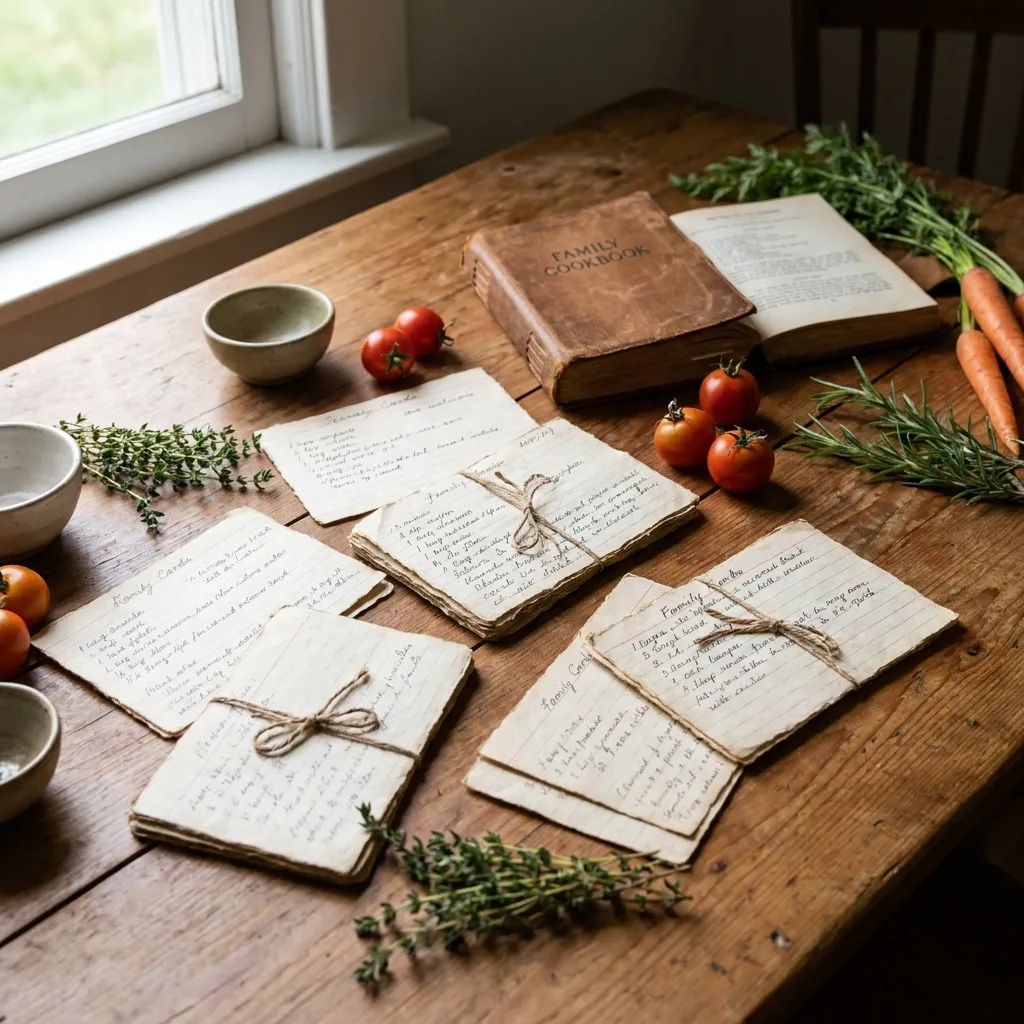
Tuesday evening, 6:30 p.m. You know exactly that you saved that recipe somewhere. Was it the screenshot in your camera roll? The bookmark in your browser that you can never find again? The WhatsApp message from Grandma, buried somewhere between vacation photos? Or maybe the note that's now under the refrigerator?
That exact moment makes clear why "saving it somewhere" is not a strategy.
This post isn't another feature comparison. It answers a different question: which app fits your family's daily life, not some abstract average household?
Key Takeaways
- Note-taking apps work for individuals but fail when families need multiple people and devices accessing recipes.
- The critical features are multi-user access, offline availability, and a good search function, not maximum features.
- Among the most-saved recipes in FamFood, 7 out of 10 contain fewer than 8 ingredients, showing that simplicity wins.
- For families, a subscription is worth it only when multiple devices need synchronization.
Why doesn't a basic note app work for family recipes?
Note apps like Apple Notes or Google Keep store text, but they can't organize which recipe belongs to whom, filter by servings or season, or survive a phone upgrade. For one person, that's fine. For a family with changing food preferences, allergies, and grandmother's recipes, it falls apart. The real difference isn't in storing, it's in finding.
Imagine searching for Grandma's plum cake recipe the day before the season ends. In Apple Notes, you might have 200 unstructured entries. No ingredient filter, no categories, no shared access for your partner or kids. You type "plum" and hope.
A dedicated recipe app solves this structurally. Recipes have fields: ingredients, servings, category, tags. You can filter for "nut-free" when guests with allergies come. You can share the recipe with all family members without texting it via WhatsApp. And when you switch phones, everything is still there.
That's the difference between "saved somewhere" and "actually findable." According to the German Federal Center for Nutrition (BZfE), family eating routines and passing recipes down play a central role in household nutrition skills. A system that supports this saves time and sanity.
What criteria should you use to choose a recipe app?
The most important criteria for families are multi-user access, easy entry of handwritten recipes, offline availability, and search by ingredient or category. Everything else, like meal planners, shopping lists, or nutrition info, is useful but not essential. An app that doesn't meet your must-haves won't help, no matter how many extras it offers.
Must-haves: The real deal-breakers
Criterion | Why it matters |
|---|---|
Multi-user access | Without shared access, you cook with your app, not with your family |
Offline availability | No WiFi at the cabin or campsite |
Search by ingredient | Leftovers only work if you can search for "potato" |
Import handwritten recipes | Grandma's recipes don't exist on the web |
Cross-device sync | Family = multiple phones, tablets, devices |
Nice-to-haves: Handy but not a purchase driver
Meal planners, automatic shopping lists, portion calculators, nutrition analysis, and web import are real time-savers if you actually use them. The problem: the more features an app has, the steeper the learning curve. Especially for older family members who should contribute Grandma's recipes, an overcrowded interface is the fastest path to never opening it again.
What we often see at FamFood: users who switched from feature-heavy apps didn't leave because of missing features, but because the app was too complicated to open daily.
Which apps are best for families?
For German-speaking families, FamFood, Paprika Recipe Manager, and Cookmate are the most commonly mentioned options. FamFood is explicitly designed for shared family recipes, Paprika excels at web import strength, Cookmate offers a particularly simple interface. All three run on iOS and Android and offer offline functionality. The question isn't which app has the longest feature list, but which fits your usage style.
App | Strength | Weakness | Best for |
|---|---|---|---|
FamFood | Family sharing, German focus, digitizing Grandma's recipes | Newer product, smaller community | Families who want to collect and share generational recipes |
Paprika Recipe Manager | Web import from thousands of sites, strong search | Handwritten recipes difficult, price for multi-platform | Blog and website collectors, one or two people |
Cookmate | Simplest interface, fast onboarding | Few collaboration features | Beginners, solo cooks, minimal tech experience |
None of these apps is the only right choice. If you mainly import web recipes, Paprika is a solid bet. If you're coordinating a multi-generational family with handwritten recipes, FamFood provides the right framework. If you just want to start simple, begin with Cookmate and switch later as needs grow.
How do you get old family recipes into an app?
The three battle-tested ways are: photo with text recognition (OCR), manual entry at your own pace, and the shared input ritual with Grandma or parents. OCR works well with legible handwriting but fails with Sütterlin script or faded ink. Then typing is faster than correcting errors. First things first: photograph first, transcribe later in peace.
The photo-first approach isn't a tech recommendation, it's a safety-net strategy. The recipe is saved even if OCR makes mistakes. Faded ink, coffee stains, Sütterlin script, or Gabelsberger shorthand push every text recognizer to its limits.
What works well: clear block letters on white paper, printed recipes from old cookbooks, handwritten recipes with strong contrast. Here, OCR achieves over 95% accuracy in tests, according to Stiftung Warentest research on text recognition software.
The shared input ritual is more than just practical. When Grandma stands beside you and explains why "a good pinch" actually means two tablespoons, or why the dough "feels right," details enter the recipe that no OCR import provides. In FamFood tests, we saw that recipes supplemented with family notes are cooked significantly more often than purely technical imports.
That turns the process into quality time with grandparents, not just a digitization task. You preserve the recipe and the knowledge behind it.
Learn more about rescuing old family recipes step by step in our guide Save Grandma's Recipes: How to digitize old family recipes forever.
How do you share recipes in the app with your whole family?
Most apps solve this through shared collections or PDF export. What matters is whether changes sync across everyone, meaning the recipe you adjust today shows the new version for your daughter tomorrow. Only a few apps offer true real-time synchronization. Without it, you're working with copies, not a shared cookbook.
The difference between "shared collection" and "export and share" sounds technical but feels real in daily life. With the export model, you send a PDF or link. If someone develops the recipe further, they have a different version than everyone else. After six months, you don't know which goulash version is current.
With true shared collections and sync, every family member sees the same version. You adjust the salt, and next time everyone cooks, they have the new amount.
A practical tip from experience: designate one person as the recipe keeper who enters new recipes and updates existing ones. Not because the app requires it, but because it prevents duplicates and version confusion. In families with children, teenagers often take this role because they type faster than their parents. That's not a drawback.
Free or paid: Is a subscription worth it for a recipe app?
Free versions often work for individuals. For families, a subscription makes sense when multiple devices need synchronization or unlimited recipes are needed. Most paid apps cost between 10 and 30 euros per year, less than a cookbook. Measured against actual value, that's a weak counterargument.
App | Free version | Paid version | Price (approx./year) |
|---|---|---|---|
FamFood | Yes, with basic features | Full access, unlimited recipes, family sharing | ~12-20 € |
Paprika Recipe Manager | No (one-time purchase) | One-time purchase per platform | ~5 € (iOS), ~30 € (Mac) |
Cookmate | Yes, limited recipe count | Unlimited recipes, backup | ~10 € |
Free versions typically limit recipe count (often 30-50), device sync, or export. If you want to digitize 100+ family recipes, you'll hit these limits quickly.
One-time purchase versus subscription is the second question. Paprika uses one-time purchase, attractive for users who avoid recurring costs. The catch: you pay per platform, and long-term updates aren't guaranteed. Subscription models mean ongoing development incentive but also ongoing costs.
For long-term users building a digital family cookbook that grows over years, a subscription with regular updates is the safer choice.
If you also want to streamline weekly planning, check out our guide Meal Planning for Families: Plan 7 days stress-free.
Which app fits you? An honest decision aid
If you mainly want to preserve Grandma's handwritten recipes and share them with family, FamFood is the obvious choice. If you primarily collect recipes from blogs and websites, Paprika is stronger. If you want maximum simplicity and mainly cook alone, Cookmate works. No app is equally good for every family type.
Three questions help with the decision:
- Where do your recipes come from? Handwritten and from family members, or mostly from the web? Handwritten sources need a different workflow than web import.
- How many people actively use the app? Solo cooks don't need family sharing. Those working with partners, kids, and Grandma need real-time sync.
- How often will you really open the app? An app with 50 features you use once a week loses to a simple app you open daily.
The biggest pitfall: too many features you never use. In FamFood user surveys after switching from note apps, families cite not the shopping list or meal planner as the biggest gain, but simply: "I can find my recipes again." That sounds modest. On Tuesday at 6:30 p.m., it's everything.
Frequently asked questions
Can I transfer my recipes from another app to FamFood?
Yes, import options exist for most common formats. Recipes in JPEG or PDF format can be read via OCR, structured formats like JSON or CSV imported directly. FamFood also offers manual entry and photo capture. For very large collections from other apps, check the export function of the source app before switching.
Does a recipe app work without internet?
Most dedicated recipe apps, including FamFood, Paprika, and Cookmate, offer offline access to already-saved recipes. New web recipes can't be imported offline. Recommendation: sync recipes before a camping trip or vacation, then it works without connection.
How many recipes can I store free in an app?
That varies widely. Cookmate typically allows up to 50 recipes in the free version, FamFood offers a basic version with limited recipe count. For a complete family cookbook with 100+ recipes, a paid version is usually needed. Costs run 10 to 30 euros per year.
Is there a recipe app that recognizes Grandma's handwritten recipes?
OCR text recognition works well with clear block letters and good contrast. Sütterlin, Kurrent, Gabelsberger shorthand, or heavily faded ink overwhelm current OCR systems. In these cases, manual typing is faster than correcting recognition errors. Photographing the recipe first always makes sense as a digital original backup.
Can the whole family access the same recipes at once?
Yes, but not all apps support it equally. FamFood offers shared family collections with sync. Paprika has limited collaboration features. What matters is whether changes reach all devices in real time or if you work with copies. For families with multiple active users, real-time sync isn't a luxury, it's the defining feature that counts in daily life.
About FamFood
FamFood is a digital recipe app built specifically for families who want to cook together, share recipes, and preserve generational knowledge. We know from experience that the best recipe is useless if you can't find it on Tuesday evening. That's why we're building an app that's as simple to use as a cookbook, and as smart as a digital tool.