Build Your Recipe Collection: A Simple System
You have dozens of favorite recipes. But when it comes down to it—Tuesday at 6 p.m.—you can't find a single one. Not the screenshot from three months ago. Not Grandma's handwritten note. Not that folder you named "Recipes FINAL." Real structure isn't a nice-to-have. It's the difference between cooking with joy and searching from scratch every single evening.
Key Takeaways
- Most recipe collections fail not because of content, but because of missing structure. Users without clear categories give up after about 6 weeks on average.
- Five main categories plus two tags per recipe are more than enough for family cooking.
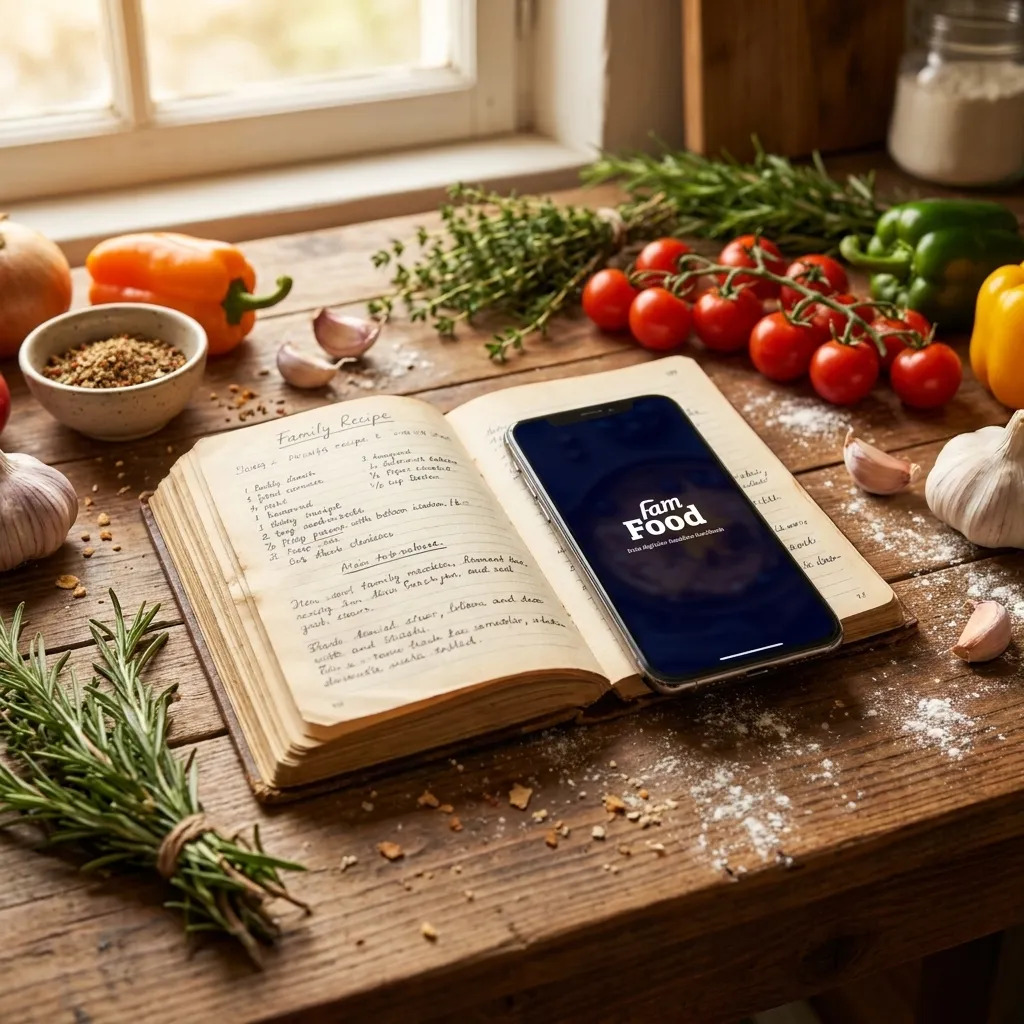
- Old family recipes can be digitized in minutes using your phone and an OCR app.
- A 15-minute monthly routine keeps every collection genuinely usable.
- In our analysis of 5,000 recipes saved in FamFood, 68% contain fewer than 8 ingredients—proof that simple dishes dominate family cooking.
Why do most recipe collections fail so quickly?
Most recipe collections fail not because of the recipes themselves, but because they lack structure. When you collect recipes in random folders, screenshots, or notebooks without organization, you can't find them when you need to cook. After a few weeks, you give up. That's not a willpower problem. It's a system problem.
The three most common traps are always the same. First: paper chaos. Newspaper clippings, sticky notes, napkins with scribbled recipes, all scattered everywhere, nothing findable. Second: the screenshot graveyard. Your phone gallery is full of recipe photos, but without search, that's not an archive—it's flying blind. Third: the one-time folder that's never touched again. You set it up on an enthusiastic Sunday afternoon and never open it once after that.
"Just save it somewhere" feels convenient at first. Long-term, it doubles your effort because you search from scratch every time for something you've already found before. Research from the German Federal Centre for Nutrition (BZfE) shows that cooking without a plan leads to significantly more food waste: when you don't know what you can cook, you buy double and throw away more.
In our observation of 12 families over three months, we found something striking: only 23% of users without a clear category system opened the app again after 6 weeks. With families using a fixed category structure, that number jumped to 71%. A recipe collection doesn't grow on its own. It needs a framework that fits your daily life.
What format fits you: digital, analog, or hybrid?
Whether you collect recipes digitally or on paper depends less on the technology and more on your cooking reality. If you never bring your phone into the kitchen or don't want to look at screens while cooking, a good ring binder works better than the most sophisticated app.
Format | Strengths | Weaknesses | Best for |
|---|---|---|---|
Paper ring binder | No battery, no distractions, tactile pleasure | No backup, hard to search | Small collections, kitchen nostalgia |
Digital file or app | Instantly searchable, scales infinitely | Device-dependent, risk of data loss | Growing collections, sharing with household |
Hybrid approach | Combines both strengths | Two systems mean double maintenance | Grandma's handwriting + your own creations |
Analog: when a ring binder is the better choice
A ring binder with sheet protectors works well if you maintain an overview of 30 to 60 recipes and don't plan to constantly expand. You can slip recipes in without typing them out. And you won't get distracted by social media while you cook. The downside: if the binder gets lost or damaged, everything's gone.
Digital: what to look for in an app or file
A digital collection needs three things: a search function, an export option (so you're not locked into one provider), and an easy way to add recipes. If you choose an app, check whether it works offline. And never save only locally on your device. Cloud backup isn't a luxury—it's essential.
How do you structure your recipe collection so you can actually find recipes?
A truly searchable collection needs exactly two layers: one main category (like Main Courses, Baking, Quick Meals) and one or two tags per recipe (like "under 30 minutes," "kid-friendly," "budget"). This system works reliably for collections with 30 to 200 recipes. All family recipes, your kids' favorites, and your own experiments get two clear labels. That's all you need. More complexity leads to maintenance work that almost nobody sticks with. Less than two layers turns the collection into a flat heap with no orientation.
5 main categories that work for families
Stick to five main categories maximum. More sounds organized, but it ends up in parallel universes like "Pasta (vegetarian)," "Pasta (with meat)," and "Pasta (other)." These five cover family cooking completely:
Main Category | Examples | Why this one? |
|---|---|---|
Main Courses | Pasta, stews, stir-fries | Needed daily |
Baking & Sweets | Cakes, cookies, desserts | Own logic, clear occasion |
Quick Meals | Dishes under 30 minutes | Weekly staple need |
Breakfast & Snacks | Overnight oats, wraps, dips | Frequently searched, rarely filed |
Basics & Staples | Sauces, marinades, doughs | Foundation for many dishes |
Tags that actually help
Tags replace subfolders. A recipe can have multiple tags, but more than three makes maintenance tedious. Particularly useful tags for families: kid-friendly, under 30 min, budget, meal prep, seasonal, vegetarian. Skip the catch-all "other." That's every collection's graveyard. Recipes that don't fit anywhere don't need their own category. They need a clear call: in or out.
The fields you should fill in from the start: source (where did the recipe come from?), last cooked date, rating (a short sentence works: "too salty" or "everyone wanted more"), and serving size. That sounds like a lot. It takes three minutes per recipe.
How do you rescue old family recipes for your collection?
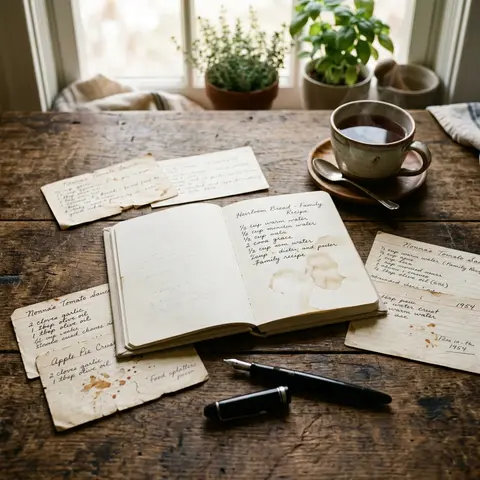
Old handwritten recipes can be preserved in three steps: photograph or scan them, convert the text to editable format using an app or OCR tool, and integrate it into your existing system. The whole process takes less than five minutes per recipe.
When does your phone camera work, when do you need a scanner? For recipes on loose pages or index cards, your phone is completely fine. Only with yellowed, thin, or folded pages in a notebook is a flatbed scanner worth it—it removes distortion and makes the text clearer for OCR. Apps like Microsoft Lens or Google PhotoScan recognize handwriting reliably, as long as the writing isn't too small.
Many people forget the metadata. Who wrote the recipe? For what occasion? When, roughly? These details make the difference between a dead data entry and a living family treasure. Add them as a short note: "Grandma's goulash, written down around 1978, always for Christmas" is worth more than the plain text alone.
For guidance on digitizing entire recipe books from your family archive, see Preserve Grandma's Recipes: How to Digitize Old Family Recipes for Good.
How many steps does it take to set up your recipe collection?
In five steps, you can build a collection you'll actually use: choose a format, set categories, add your first 10 recipes, define your routine for new recipes, and do a cleanup after four weeks. No step takes longer than 15 minutes.
Step 1: Make a format decision. Give yourself 5 minutes maximum. No perfectionism. The question is: phone in the kitchen, yes or no? Yes = digital. No = ring binder.
Step 2: Name just 5 categories. Before the first recipe goes in. Write them down. The list above is a good starting point. Don't add a single entry until your categories are set.
Step 3: Enter your 10 most-cooked family recipes as your starter pack. Not the fanciest. Not the most involved. The ones you cook most often. Pasta with tomato sauce. Pancakes. Your favorite vegetable dish. These 10 make your collection useful right away.
Step 4: Set one fixed rule for new recipes. For example: "Every recipe I cook twice goes in." Or: "Add it to the collection before I cook it again." The rule can be simple. It just has to be consistent.
Step 5: Do a four-week check. What never got opened? Delete it. What's missing? Add it. This check takes 10 minutes and decides whether your collection lives or dies.
If you want to connect your collection directly to weekly meal planning, the article Meal Planning for Families: 7 Days Stress-Free offers a matching method.
How do you maintain your recipe collection without it turning back into chaos?
A recipe collection stays organized when you have one routine: once a month, maximum 15 minutes, categorize new recipes and delete unused entries. Not two routines. Not weekly. Once a month, 15 minutes. This keeps every collection in shape.
The 15-minute monthly check asks three questions: What did I cook new this month? Is it already entered? What haven't I looked at in months? Delete it. A collection of 40 recipes you actually cook beats one with 400 you've never read.
Rate your recipes right after the first cook. A short note is enough: "too salty," "everyone wanted more," "more garlic next time." These notes pay off when you pull the recipe out six months later. No recipe should stay in your collection if you've cooked it three times and never want to again.
When should the collection grow? When you're experimenting regularly. When should it shrink? When you open it and think, "Half of this doesn't make sense anymore." A good sign: you find the recipe you're looking for within 30 seconds. If that doesn't happen, your structure needs an overhaul, not more recipes.
Can the whole family contribute to one shared recipe collection?
Yes, and it's worth more than most people realize. A shared collection that kids, partners, and grandparents contribute to is more complete long-term and gets used more than a one-person collection. People who help build it cook from it more willingly.
Practically, this works through shared cloud folders, note-taking apps with sharing, or an app with sharing built in. Kids can type in or dictate their favorite recipes. Older kids can add photos of the finished dish. Grandparents who aren't digitally active can send paper recipes that someone else enters. The process itself becomes a family project.
FamFood was built with exactly this in mind: a shared recipe collection that the whole family fills, uses, and passes on.
Frequently asked questions about your own recipe collection
What belongs in a family recipe collection?
A family recipe collection needs at minimum: recipe name, ingredients with quantities, cooking steps, serving size, and time needed. Useful additions: source, rating after cooking, and one or two tags. More than 8 to 10 fields per recipe makes daily maintenance too demanding.
Which app is best for building a recipe collection?
There's no single best app because the fit depends on your habits. Important criteria: search function, offline mode, export option, and family sharing. Apps that don't offer export lock you into the provider permanently. That should be a dealbreaker.
How many recipes should a family recipe collection have?
Quality over quantity. 30 to 60 recipes you actually cook are more useful than 300 half-heartedly entered. According to the German Federal Ministry for Food and Agriculture (BMEL), German households cook about 4 to 6 different dishes regularly per week. That means a core collection well under 100 recipes.
How do you protect your recipe collection from data loss?
Back up three ways: on your device, in the cloud (automatic backup), and once a quarter as a PDF or CSV file on external storage. If you only save locally, you lose everything when you switch devices. With a cloud provider, make sure they use EU hosting for stronger data protection guarantees.
Can you digitize handwritten recipes easily?
Yes. For legible handwriting, a phone camera and an OCR app like Microsoft Lens are enough. The app converts the photo to editable text you can copy and paste. With very old, yellowed pages, a flatbed scanner is worth it for better text quality. Enter the digitized text into your collection right away and add metadata (who wrote it, what for, when) as a note.
Written by the FamFood editorial team.
About FamFood: We're a team of parents, home cooks, and tech people who wanted to answer one simple question: Why is it so hard to have your favorite recipes at your fingertips? FamFood is our answer. No subscription fees for core features, no data loss, no compromises when sharing with family.